I rebuilt my portfolio recently and wanted to see if I could max out the Lighthouse scores. Ended up with 100 across Performance, Accessibility, Best Practices, and SEO.
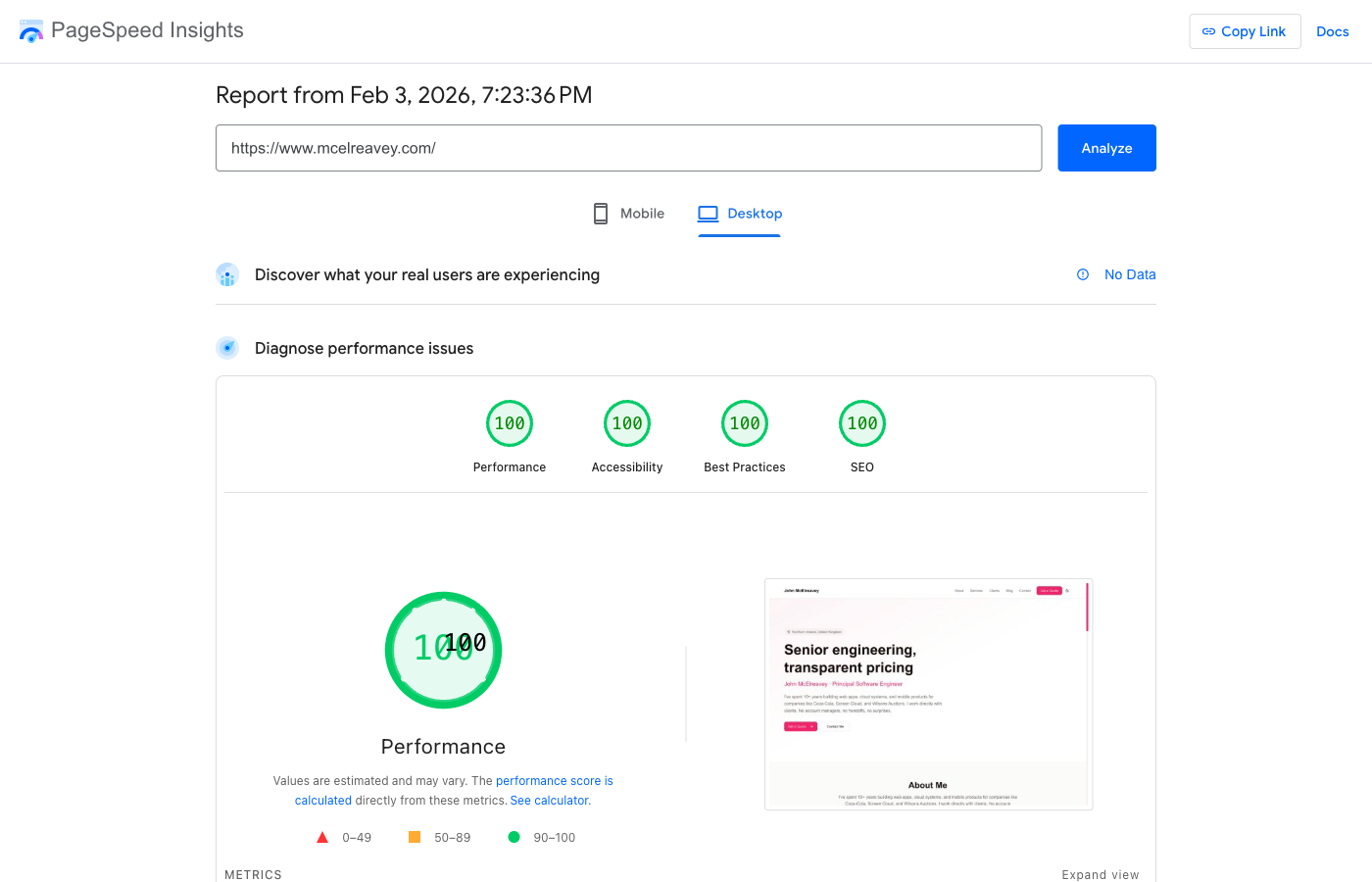
Here's what actually made a difference and what turned out to be a waste of time.
The setup
Next.js 16 with App Router, deployed on Vercel, Cloudflare for DNS and caching. Pretty standard stuff. I avoided heavy UI libraries and kept dependencies minimal.
The stuff that mattered
Ship less JavaScript
This is the big one. The less JS you send to the browser, the faster everything is.
I used Radix primitives with Tailwind instead of a full component library. And I lazy loaded anything that wasn't needed on first render. For example, react-markdown is only used in my estimator chat, not on the homepage:
const ReactMarkdown = lazy(() => import("react-markdown"));
That one change cut about 180KB from the initial bundle.
Get fonts right
Google Fonts can really slow things down if you load them the default way. Next.js handles this well:
import { Geist } from "next/font/google";

const geistSans = Geist({
  subsets: ["latin"],
  display: "swap",
});
The display: "swap" bit is key. Shows fallback text straight away instead of waiting for the font to download.
Let Next.js handle images
Every image goes through the Next.js Image component. It does lazy loading, responsive sizes, modern formats, and keeps layout stable. I didn't have to think about it much.
Static pages where possible
Most of the site is generated at build time. Blog posts, homepage, services. Just HTML at the edge. Fast.
Cloudflare gotcha
Cloudflare's Bot Fight Mode was killing my Lighthouse scores. It injects a challenge script that runs for 3+ seconds. Turned that off and the performance score jumped from 60 to 100.
If your real-world performance is fine but Lighthouse hates your site, check if Cloudflare is challenging the test bot.
Accessibility was mostly free
I got 100 without doing anything special:
- Used semantic HTML (actual
buttonelements,navtags, etc.) - Kept headings in order (h1, then h2, then h3)
- Added alt text to images
- Made sure colours had decent contrast
- Radix handles most ARIA stuff automatically
SEO basics
Nothing clever here:
- Title and description meta tags on every page
- Open Graph tags for social sharing
- Canonical URLs
- JSON-LD structured data
- Sitemap and robots.txt
- Fast load times (Core Web Vitals matter for rankings)
What didn't matter
- Obsessing over every kilobyte
- Fancy image optimisation beyond Next.js defaults
- Manual resource preloading
- Service workers
The framework defaults were good enough. I didn't need to fight it.
The numbers
PageSpeed Insights on desktop:
| Metric | Value | |--------|-------| | First Contentful Paint | 0.2s | | Largest Contentful Paint | 0.4s | | Total Blocking Time | 0ms | | Cumulative Layout Shift | 0 | | Speed Index | 0.5s |
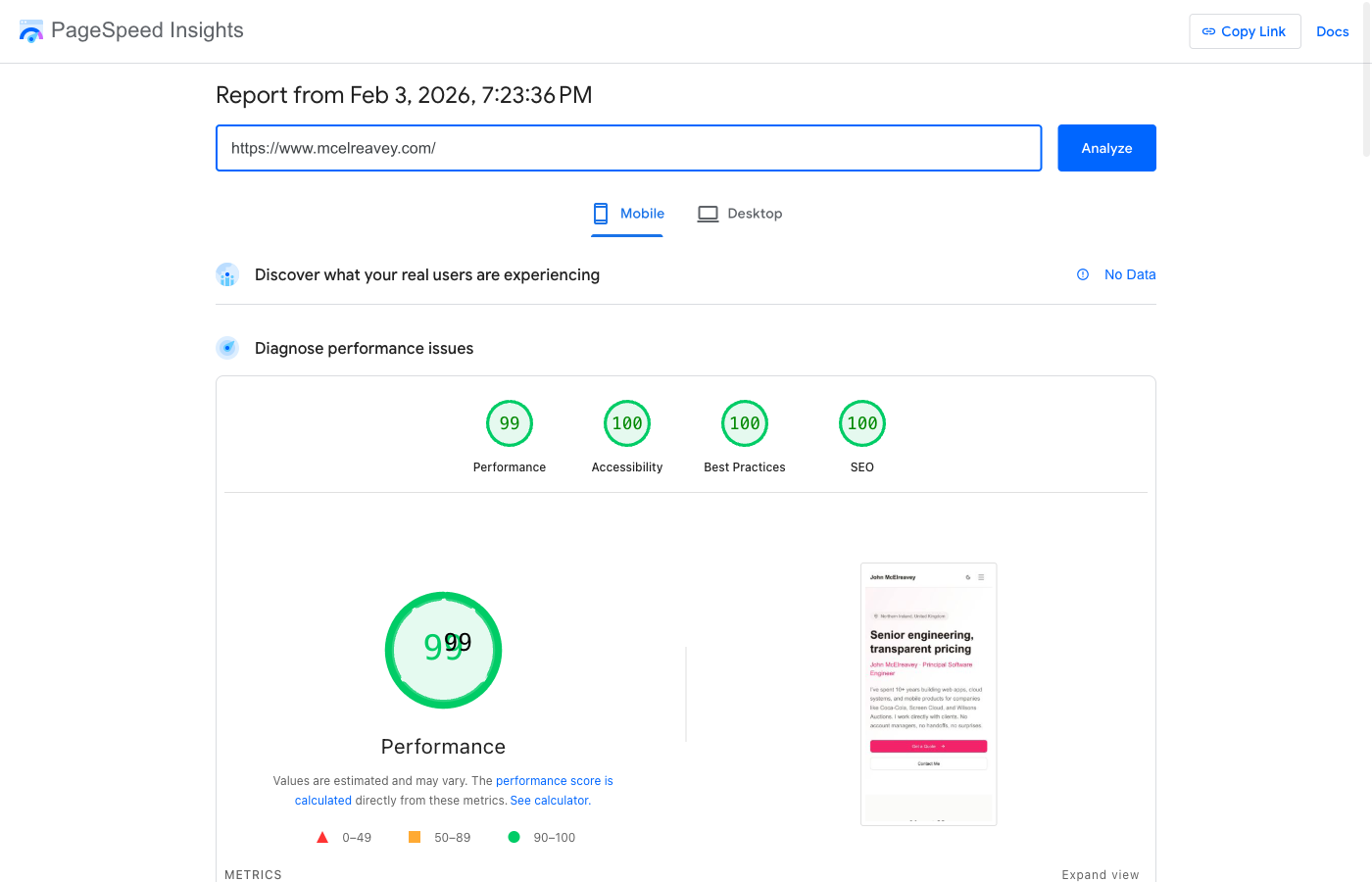
Mobile scores 99 (0.9s FCP, 2.1s LCP on simulated slow 4G). Good enough.
Worth chasing 100?
Probably not for the number itself. Users won't notice the difference between 95 and 100.
But the process is useful. It forces you to ask:
- Do I actually need this dependency?
- Is there a simpler way?
- Am I making this harder to use for no reason?
Keeping things simple makes the code easier to maintain too.
If you want help building something fast, let me know.